

Need to zoom into tiny details?
✅ Press Win + Plus (+) to open Magnifier
Zoom in on text, buttons, or design elements.
Great for presentations, tutorials, and accessibility needs.
You can control zoom with Win + Plus/Minus and close with Win + Esc
Try it and see every detail clearly!
#ZoomTool #VisualAid #ShiftTips
You May Read This
-
✅ ShiftTips #058: Open the Run Box from Anywhere
Quickly launch commands or hidden tools.
-
ShiftTips #028: Duplicate Line in VS Code
Shift + Alt + Down (or Up) in VS Code duplicates the current line or selection downward or upward, streamlining code editing and boosting productivity.
-
ShiftTips #008: Learn Google New Tab Shortcut
Press Ctrl + L to focus the address bar, type your query, and hit Alt + Enter to open a Google search in a new tab.
-
✅ ShiftTips #052: Delete a File Without Sending to Recycle Bin
Want to delete something permanently? Skip the trash.
-
✅ ShiftTips #048: Toggle Taskbar Peek Feature
Instantly peek at the desktop without minimizing windows.
-
✅ ShiftTips #051: Close the Current Window Quickly
Shut down any active window or tab without touching the mouse.




Popular Posts

10 Proven Methods To Speed Up Slow Windows PC
Is your Windows PC getting slower day by day? Do programs take forever to open, startup feels like a decade, and even typing lags?
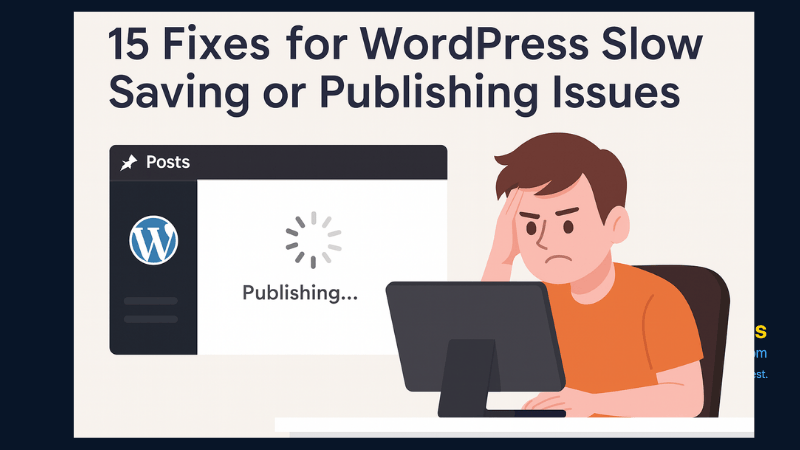
15 Expert Reasons & Fixes for Why WordPress Is Slow While Saving or Publishing Posts
In today’s digital world, your smartphone is not just a communication device—it’s your wallet, identity card, camera, and personal diary.

