
✅ Right-click the taskbar > Select Taskbar settings.
Toggle on “Automatically hide the taskbar in desktop mode”
Now it disappears when not in use and appears when you hover.
Clean, minimal, and distraction-free.
#TaskbarTricks #WindowsLayout #ShiftTips
You May Read This
-
15 Expert Reasons & Fixes for Why WordPress Is Slow While Saving or Publishing Posts
Is your WordPress post editor frustratingly slow? Learn the most common causes…
-
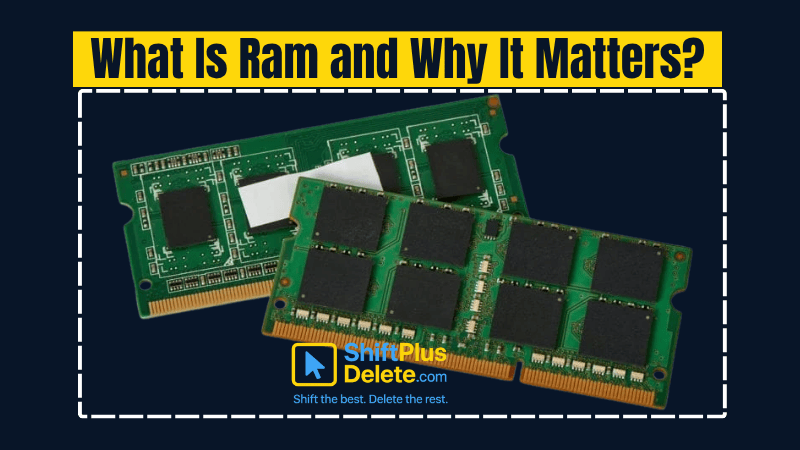
What is RAM and Why it Matters: 10 Must-Known Facts
If your laptop or desktop starts lagging every time you open multiple tabs or apps, you might be facing a […]
-
✅ ShiftTips #055: Highlight the First Search Result of Browser
Speed through Google search results without clicking.
-
ShiftTips #039: Cycle Through Open Apps Backwards
Need to navigate your open apps in reverse? Simply press Alt + Shift + Tab to cycle through your app switcher backward. A handy shortcut for quick multitasking!
-
✅ ShiftTips #064: Use Focus Assist/Do Not Disturb
Avoid distractions by turning on Focus Assist (Windows) or Do Not Disturb (Mac). Keep your workflow clean and uninterrupted.
-
ShiftTips #036: Open Quick Assist in Windows
Win + Ctrl + Q opens Quick Assist in Windows, enabling fast remote assistance or screen sharing to help troubleshoot issues or collaborate seamlessly.

Popular Posts

10 Common Tech Beginner Mistakes: Everyone Should Know
Whether you’re a student, a working professional, or someone learning tech…

10 Pro Tricks on WhatsApp Text Formatting You Must Use
Whether you’re chatting with friends or sharing important messages in groups…

