
Need high contrast or screen relief at night?
✅ Press Ctrl + Win + C to toggle color inversion
It’s a built-in Windows accessibility feature.
Helps reduce eye strain and improve readability for some users.
Works instantly, no restart needed!
Great for late-night browsing or high-contrast viewing.
Try it — your eyes might thank you.
#AccessibilityTips #HighContrast #ShiftTips
You May Read This
-
ShiftTips #025: Toggle Full-Screen Mode
F11 is a keyboard shortcut that toggles full-screen mode in web browsers, maximizing screen space for an immersive browsing experience or exiting back to normal view.
-
4 Most Popular 2FA (Two-Factor Authenticator) | A Simple Guide for Beginners
You’ve probably seen the term “2FA” pop up when logging into websites or apps. But what is it exactly, and […]
-
ShiftTips #017: Open Notification Center
The Win + A keyboard shortcut instantly opens the Action Center in Windows, displaying notifications, quick settings (Wi-Fi, Bluetooth, Dark Mode), and alerts for efficient system management.
-
ShiftTips #009: Force Close Unresponsive Apps
Press Ctrl + Shift + Esc to end the app immediately without affecting others.
-
✅ ShiftTips #042: Access Windows Clipboard Sync Settings
Sync your copied text across devices by enabling clipboard sync.
-
ShiftTips #028: Duplicate Line in VS Code
Shift + Alt + Down (or Up) in VS Code duplicates the current line or selection downward or upward, streamlining code editing and boosting productivity.




Popular Posts

10 Proven Methods To Speed Up Slow Windows PC
Is your Windows PC getting slower day by day? Do programs take forever to open, startup feels like a decade, and even typing lags?
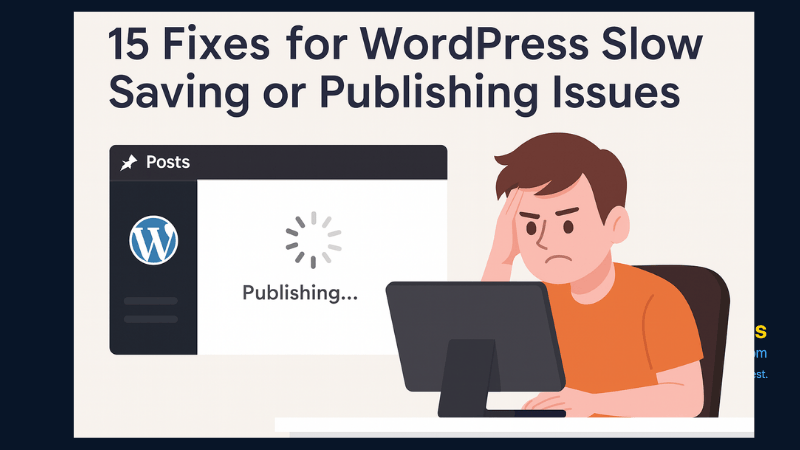
15 Expert Reasons & Fixes for Why WordPress Is Slow While Saving or Publishing Posts
In today’s digital world, your smartphone is not just a communication device—it’s your wallet, identity card, camera, and personal diary.

