

Need to manage what Windows stores in your clipboard?
✅ Press Win + V, then click “Manage Clipboard Settings”
From there, you can:
- Enable/disable history
- Clear saved data
- Sync clipboard across devices
Take full control of what you copy!
Try it and clean up your clipboard today.
#ClipboardControl #WindowsHacks #ShiftTips
You May Read This
-
ShiftTips #021: Paste Without Formatting
Ctrl + Shift + V is a keyboard shortcut that pastes text without formatting, ensuring clean integration into documents or text fields across various applications.
-
ShiftTips #019: Open New Desktop in Windows
Win + Ctrl + D is a Windows keyboard shortcut that creates a new virtual desktop, allowing users to organize tasks and switch between separate workspaces effortlessly.
-
4 Most Popular 2FA (Two-Factor Authenticator) | A Simple Guide for Beginners
You’ve probably seen the term “2FA” pop up when logging into websites or apps. But what is it exactly, and […]
-
✅ ShiftTips #047: Mute Your System Audio Fast
Silence everything with one key.
-
ShiftTips #036: Open Quick Assist in Windows
Win + Ctrl + Q opens Quick Assist in Windows, enabling fast remote assistance or screen sharing to help troubleshoot issues or collaborate seamlessly.
-
Top 7 Free AI Tools That Are Actually Useful in 2025
AI is no longer a buzzword—it’s now in your browser, your apps, and your daily workflow. But not every “AI […]




Popular Posts

10 Proven Methods To Speed Up Slow Windows PC
Is your Windows PC getting slower day by day? Do programs take forever to open, startup feels like a decade, and even typing lags?
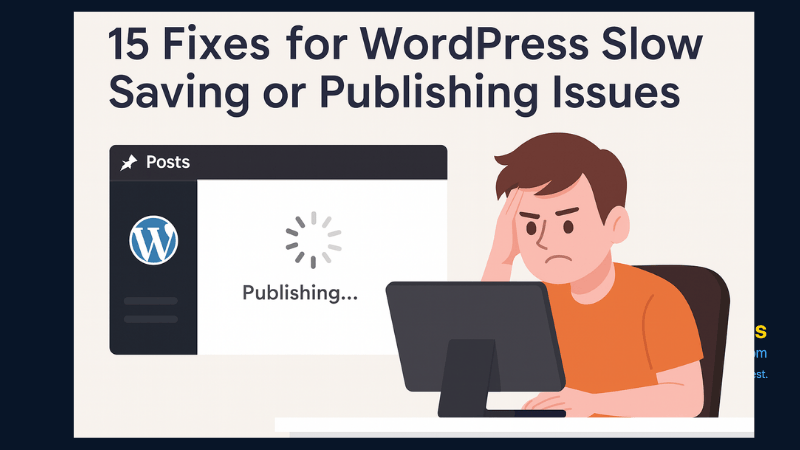
15 Expert Reasons & Fixes for Why WordPress Is Slow While Saving or Publishing Posts
In today’s digital world, your smartphone is not just a communication device—it’s your wallet, identity card, camera, and personal diary.

