

✅ Stop wasting clicks.
With Alt+Tab (Windows) or Command+Tab (Mac), you can fly between apps instantly.
It’s like teleportation for your productivity.
#KeyboardShortcuts #ProductivityHacks #WindowsMac
You May Read This
-
✅ ShiftTips #054: Open Programs as Admin via Search
Open apps with admin privileges without right-clicking.
-
✅ ShiftTips #043: Launch File Properties Instantly
View or edit file properties with a single keypress.
-
What is the Internet of Things (IoT) and How It’s Changing Our Lives
The Internet of Things (IoT) is not just a futuristic idea anymore—it’s part of our everyday reality. From smart homes […]
-
✅ ShiftTips #048: Toggle Taskbar Peek Feature
Instantly peek at the desktop without minimizing windows.
-
ShiftTips #017: Open Notification Center
The Win + A keyboard shortcut instantly opens the Action Center in Windows, displaying notifications, quick settings (Wi-Fi, Bluetooth, Dark Mode), and alerts for efficient system management.
-
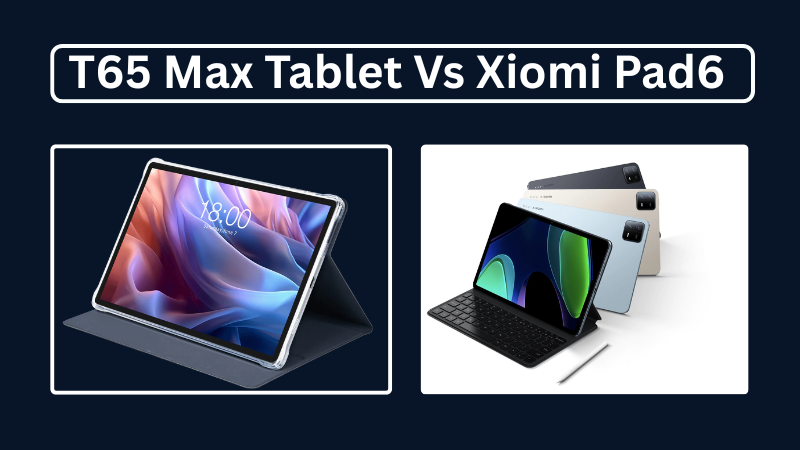
Teclast T65Max vs Xiaomi Pad 6: Which is Better in 2025?
A complete 2025 comparison of Teclast T65Max and Xiaomi Pad 6 tablets—covering specs, performance, pros and cons, and which is better for blogging, gaming, or productivity.



Popular Posts

10 Common Tech Beginner Mistakes: Everyone Should Know
Whether you’re a student, a working professional, or someone learning tech…

10 Pro Tricks on WhatsApp Text Formatting You Must Use
Whether you’re chatting with friends or sharing important messages in groups…

