Tablet screen keeps rotating? Lock it with a shortcut.
✅ Press Win + O to toggle screen orientation lock
It prevents automatic rotation when you turn your device.
Super handy for presentations, reading, or gaming in a fixed mode.
One press = locked screen. Another press = auto-rotate back.
Try it on your tablet or 2-in-1!
#TabletTips #ScreenRotation #ShiftTips
You May Read This
-
ShiftTips #010: Quickly Rename File Shortcut
The F2 key is a function key commonly used for quick editing tasks, such as renaming files in Windows File Explorer, editing cells
-
How to Know If Your Password Was Leaked Online: 6 Effective Ways You Should Follow
Worried your password was leaked? In this article you will learn how to know if your password was leaked online. […]
-
10 Pro Tricks on WhatsApp Text Formatting You Must Use
Whether you’re chatting with friends or sharing important messages in groups, knowing how to format text on WhatsApp can make […]
-
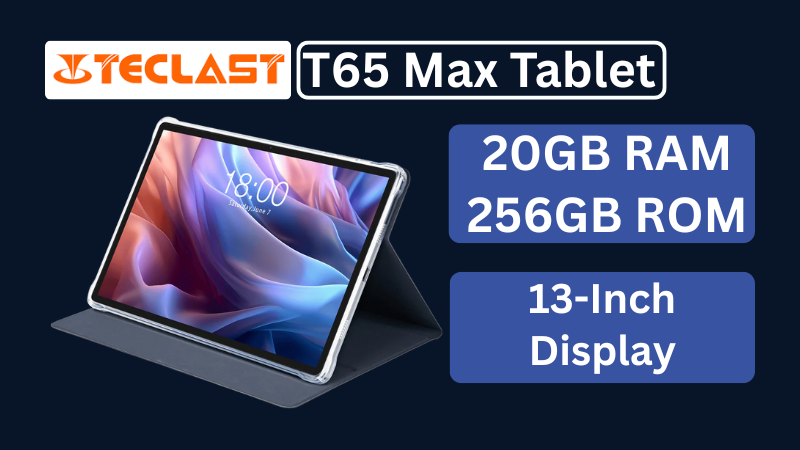
Teclast T65Max Tablet Review: A Feature-Rich 13-Inch Android Tablet on a Budget
The Teclast T65Max is a 13-inch Android tablet packed with features like 4G LTE, Helio G99 processor, Android 14, and a massive 10,000mAh battery — perfect for content creators and on-the-go users in 2025.
-
✅ ShiftTips #043: Launch File Properties Instantly
View or edit file properties with a single keypress.
-
ShiftTips #024: Hard Refresh a Webpage
Ctrl + F5 (or Cmd + Shift + R on Mac) is a browser shortcut that performs a hard refresh, reloading a webpage and clearing its cache for the latest content.





Popular Posts

10 Proven Methods To Speed Up Slow Windows PC
Is your Windows PC getting slower day by day? Do programs take forever to open, startup feels like a decade, and even typing lags?
15 Expert Reasons & Fixes for Why WordPress Is Slow While Saving or Publishing Posts
In today’s digital world, your smartphone is not just a communication device—it’s your wallet, identity card, camera, and personal diary.