

Closed a file accidentally in Visual Studio Code?
✅ Press Ctrl + Shift + T to reopen the last closed tab.
Repeat to bring back multiple tabs in the order you closed them.
It’s a lifesaver for developers who multitask heavily.
Try it now and boost your coding workflow.
#VSCodeTips #CodeProductivity #ShiftTips
You May Read This
-
How to Know If Your Password Was Leaked Online: 6 Effective Ways You Should Follow
Worried your password was leaked? In this article you will learn how to know if your password was leaked online. […]
-
✅ ShiftTips #054: Open Programs as Admin via Search
Open apps with admin privileges without right-clicking.
-
ShiftTips #037: Open Clipboard Settings Quickly
Win + V opens the Windows clipboard history; clicking “Manage Clipboard Settings” lets you enable/disable history, clear data, or sync across devices for full control.



Popular Posts

10 Proven Methods To Speed Up Slow Windows PC
Is your Windows PC getting slower day by day? Do programs take forever to open, startup feels like a decade, and even typing lags?
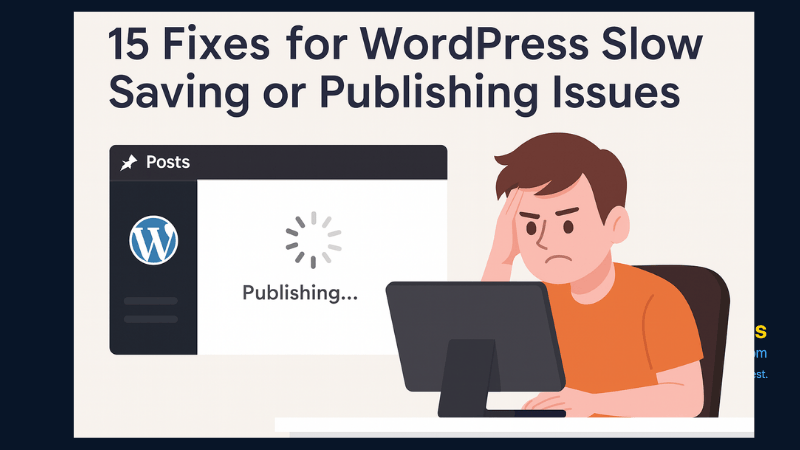
15 Expert Reasons & Fixes for Why WordPress Is Slow While Saving or Publishing Posts
In today’s digital world, your smartphone is not just a communication device—it’s your wallet, identity card, camera, and personal diary.

