

✅ Drag a file while holding Alt, and drop it on the desktop.
It creates a shortcut without moving the original.
Also works from File Explorer or Start menu.
Quick, easy, and organized.
#DesktopShortcuts #WindowsHacks #ShiftTips
You May Read This
-
ShiftTips #021: Paste Without Formatting
Ctrl + Shift + V is a keyboard shortcut that pastes text without formatting, ensuring clean integration into documents or text fields across various applications.
-
What is RAM and Why it Matters: 10 Must-Known Facts
If your laptop or desktop starts lagging every time you open multiple tabs or apps, you might be facing a […]
-
✅ 10 Must-Have Security Settings for Smartphone
Let’s Explore 10 Must-Have Security Settings for Smartphone In today’s digital world, your smartphone is not just a communication device—it’s […]
-
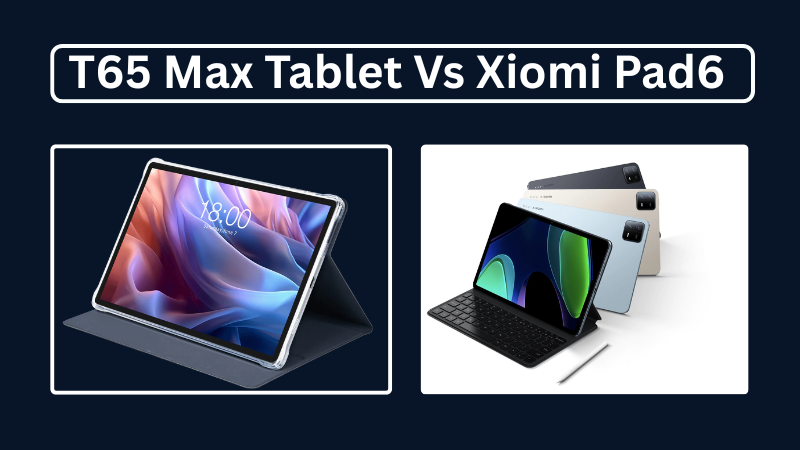
Teclast T65Max vs Xiaomi Pad 6: Which is Better in 2025?
A complete 2025 comparison of Teclast T65Max and Xiaomi Pad 6 tablets—covering specs, performance, pros and cons, and which is better for blogging, gaming, or productivity.
-
🔹 ShiftTips #002: Use Clipboard History in Windows
Win + V opens the clipboard history in Windows 10 and 11, letting you access and paste up to 25 previously copied items like text or images from hours earlier.
-
ShiftTips #007: Minimize All Windows Instantly
The Win + D keyboard shortcut in Microsoft Windows minimizes all open windows and applications to show the desktop.



Popular Posts

10 Common Tech Beginner Mistakes: Everyone Should Know
Whether you’re a student, a working professional, or someone learning tech…

10 Pro Tricks on WhatsApp Text Formatting You Must Use
Whether you’re chatting with friends or sharing important messages in groups…
