✅ Press Win + N (Windows 11) to open Notification Center.
Then use Tab and Arrow Keys to navigate between alerts.
Mark as read, dismiss, or open apps — all hands-free!
Stay in control without touching your mouse.
#NotificationShortcuts #Windows11 #ShiftTips
You May Read This
-
ShiftTips #025: Toggle Full-Screen Mode
F11 is a keyboard shortcut that toggles full-screen mode in web browsers, maximizing screen space for an immersive browsing experience or exiting back to normal view.
-
✅ ShiftTips #053: Create Desktop Shortcut Instantly
Turn any app or file into a desktop shortcut in seconds.
-
ShiftTips #023: Open Developer Tools in Browser
F12 or Ctrl + Shift + I is a keyboard shortcut that opens Developer Tools in web browsers, allowing developers to inspect, debug, and optimize web page code efficiently.
-
ShiftTips #005: Mute Unmute Mic in Zoom or Teams
Learn How to Mute Unmute Mic in Zoom or Teams Embarrassed by background noise during calls? Mute yourself instantly!✅ On […]
-
ShiftTips #007: Minimize All Windows Instantly
The Win + D keyboard shortcut in Microsoft Windows minimizes all open windows and applications to show the desktop.
-
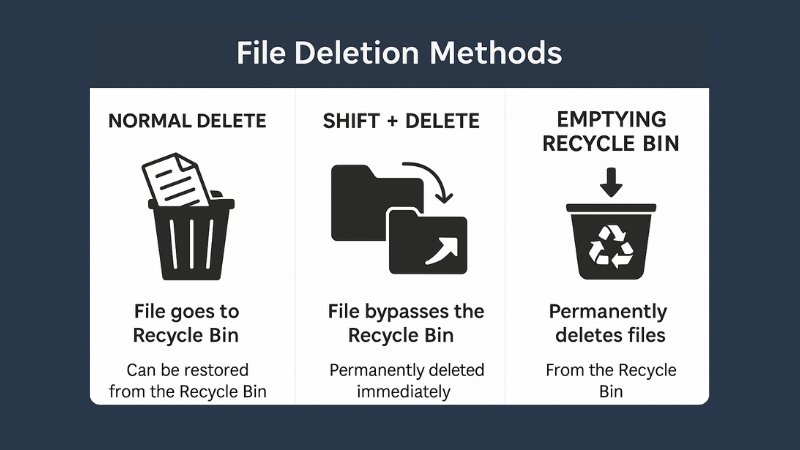
What is File Deletion: Know 3 Popular File Deletion Methods
What is File Deletion? We are going learn about what is file deletion in this article. File Deletion refers to […]
Popular Posts

10 Common Tech Beginner Mistakes: Everyone Should Know
Whether you’re a student, a working professional, or someone learning tech…

10 Pro Tricks on WhatsApp Text Formatting You Must Use
Whether you’re chatting with friends or sharing important messages in groups…