Curious about what’s behind the webpage?
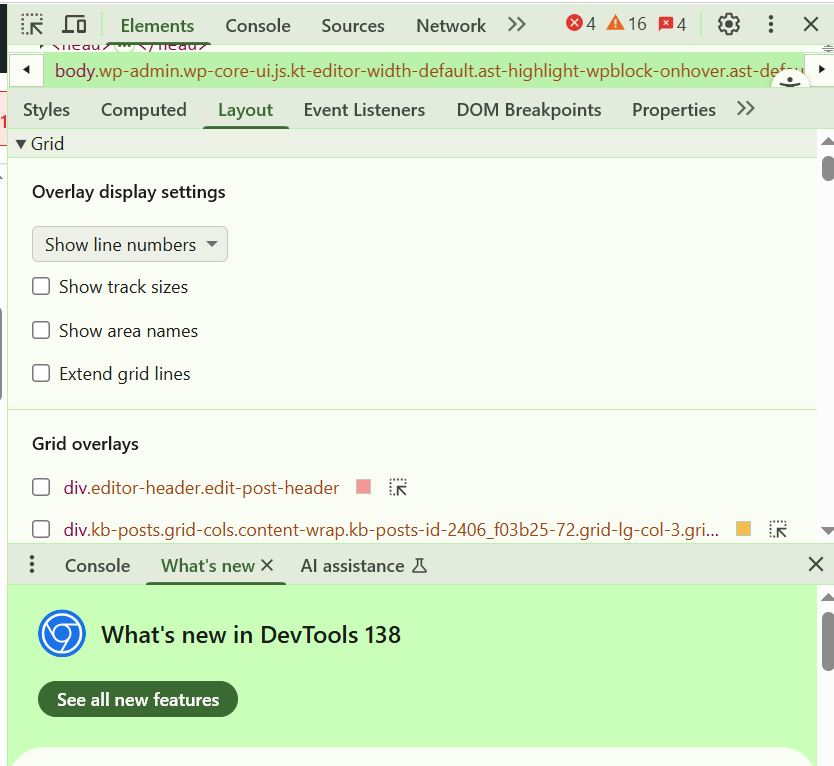
✅ Press F12 or Ctrl + Shift + I to open Developer Tools.
Inspect elements, debug code, and view performance insights.
This is a must-have shortcut for developers, designers, and techies.
It works on Chrome, Edge, and Firefox.
Start exploring the web like a pro!
#DevTools #WebDebugging #ShiftTips
You May Read This
-
✅ ShiftTips #055: Highlight the First Search Result of Browser
Speed through Google search results without clicking.
-
Why Your Phone Is So Slow & How to Fix It in 5 Minutes
Is your phone lagging, freezing, or taking forever to load apps? A slow smartphone can be frustrating, but the good […]
-
Top 7 Free AI Tools That Are Actually Useful in 2025
AI is no longer a buzzword—it’s now in your browser, your apps, and your daily workflow. But not every “AI […]



Popular Posts

10 Must-Have Security Settings for Smartphone
In today’s digital world, your smartphone is not just a communication device—it’s your wallet, identity card, camera, and personal diary.
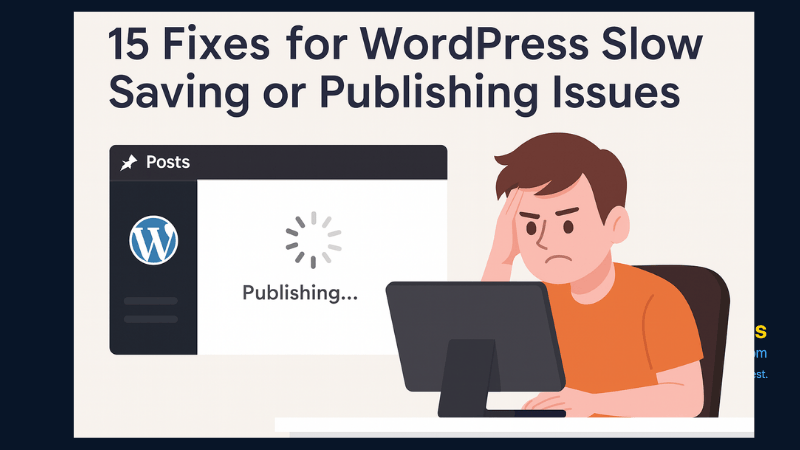
15 Expert Reasons & Fixes for Why WordPress Is Slow While Saving or Publishing Posts
In today’s digital world, your smartphone is not just a communication device—it’s your wallet, identity card, camera, and personal diary.