Still right-clicking to make folders? Stop that!
✅ Press Ctrl + Shift + N to create a new folder instantly
Works in File Explorer, desktop, or inside any folder.
Name it, hit Enter, done — all in seconds.
Organize smarter, not harder.
Try it next time you sort files!
#FolderTips #FileManagement #ShiftTips
You May Read This
-
ShiftTips #028: Duplicate Line in VS Code
Shift + Alt + Down (or Up) in VS Code duplicates the current line or selection downward or upward, streamlining code editing and boosting productivity.
-
ShiftTips #032: Quick Launch Apps from Taskbar
Win + 1 to 9 in Windows opens the corresponding pinned app on the taskbar, allowing quick access to frequently used programs for efficient workflow.
-
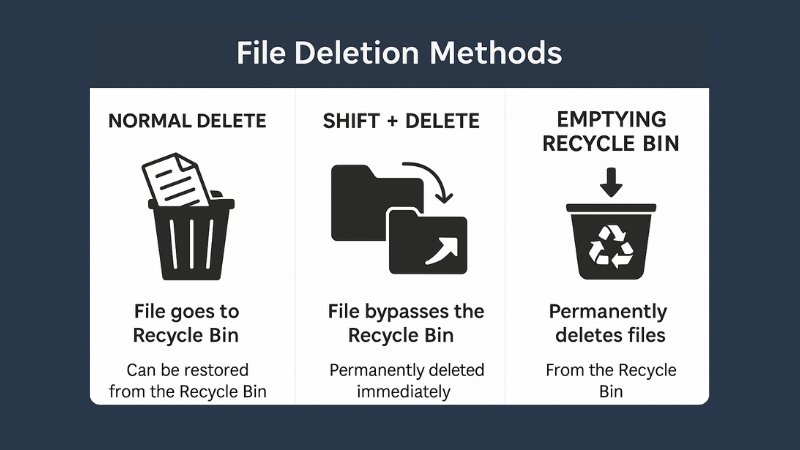
What is File Deletion: Know 3 Popular File Deletion Methods
What is File Deletion? We are going learn about what is file deletion in this article. File Deletion refers to […]
-
ShiftTips #034: Open the Magnifier Tool
Press Win + Plus (+) to open Magnifier
Zoom in on text, buttons, or design elements. -
ShiftTips #016: Open Run Command Box
The Win + R keyboard shortcut launches the Run command dialog in Windows, enabling users to quickly open programs, files, and system utilities by typing commands like cmd, msconfig, or explorer.
-
ShiftTips #022: Open Browser Downloads Fast
Ctrl + J is a keyboard shortcut that opens the Downloads folder or history in many web browsers, providing quick access to recently downloaded files or browsing activity.





Popular Posts

10 Proven Methods To Speed Up Slow Windows PC
Is your Windows PC getting slower day by day? Do programs take forever to open, startup feels like a decade, and even typing lags?
15 Expert Reasons & Fixes for Why WordPress Is Slow While Saving or Publishing Posts
In today’s digital world, your smartphone is not just a communication device—it’s your wallet, identity card, camera, and personal diary.