
Need to check what you’ve just downloaded?
✅ Press Ctrl + J in most browsers (Chrome, Edge, Firefox).
This opens the Downloads page instantly — no mouse needed.
You can:
- Open files
- Show them in the folder
- Clear the list
Super handy for quick access to recent downloads.
Try it now and take control of your files!
#DownloadTips #BrowserHacks #ShiftTips
You May Read This
-
ShiftTips #006: Take a Quick Screenshot of Windows Selected Area
It allows you to capture a portion of your screen, a specific window, or the entire screen, and copy the screenshot
-
ShiftTips #026: Search Within a Webpage
Ctrl + F is a keyboard shortcut that opens the search bar in browsers or applications, highlighting all matching text instantly as you type your query.
-
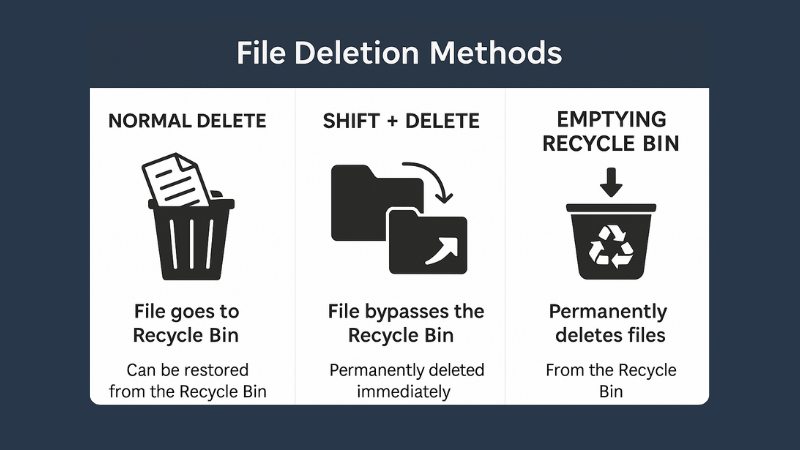
What is File Deletion: Know 3 Popular File Deletion Methods
What is File Deletion? We are going learn about what is file deletion in this article. File Deletion refers to […]
Popular Posts

10 Must-Have Security Settings for Smartphone
In today’s digital world, your smartphone is not just a communication device—it’s your wallet, identity card, camera, and personal diary.
15 Expert Reasons & Fixes for Why WordPress Is Slow While Saving or Publishing Posts
In today’s digital world, your smartphone is not just a communication device—it’s your wallet, identity card, camera, and personal diary.

