

Here’s How to Lock Windows PC Quickly
Stepping away from your desk? Don’t leave your PC open!
✅ Press Win + L to lock your computer immediately.
It sends your session to the lock screen with all apps running safely.
It’s the fastest way to protect your files from nosy coworkers or roommates.
💼 Works on desktops, laptops, tablets — all Windows devices.
Make it a habit to lock your screen before every break.
✅ Smart, fast, and private. Just one key combo!
Try it once and you’ll never forget.
📌 Why it matters: Essential for privacy and security when stepping away from your desk.
#TechTips #ShiftTips #Productivity #ShiftPlusDelete #WindowsTips #PrivacyTips #WindowsShortcuts
You May Read This:
-
ShiftTips #028: Duplicate Line in VS Code
Shift + Alt + Down (or Up) in VS Code duplicates the current line or selection downward or upward, streamlining code editing and boosting productivity.
-
ShiftTips #034: Open the Magnifier Tool
Press Win + Plus (+) to open Magnifier
Zoom in on text, buttons, or design elements. -
✅ ShiftTips #061: Boost Your Flow Master Alt+Tab Like a Ninja
Jump between apps like a ninja — no mouse needed.
-
ShiftTips #031: Open Task View in Windows
Win + Tab opens Task View in Windows, displaying all open windows and virtual desktops for easy navigation and multitasking across applications.
-
ShiftTips #027: Reopen Closed Files in VS Code
Ctrl + Shift + T is a browser shortcut that reopens the last closed tab, restoring its content and history for quick recovery of accidentally closed pages.
-
ShiftTips #009: Force Close Unresponsive Apps
Press Ctrl + Shift + Esc to end the app immediately without affecting others.

Why Your Phone Is So Slow & How to Fix It in 5 Minutes
Is your phone lagging, freezing, or taking forever to load apps? A slow smartphone can be frustrating, but the good
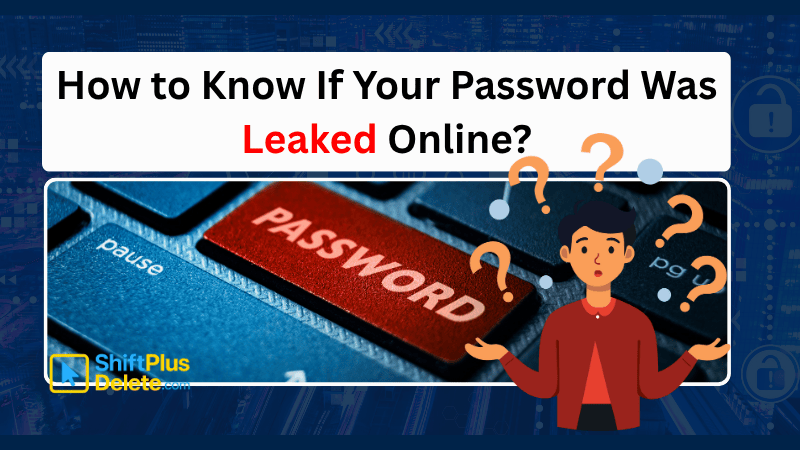
How to Know If Your Password Was Leaked Online
Worried your password was leaked? In this article you will learn how to know if your password was leaked online.

