
✅ Press Win + V → Click “Turn on” (if not enabled)
Then go to Settings > Clipboard to toggle “Sync across devices.”
Now you can copy something on one Windows PC and paste it on another (with same MS account)!
Game-changing for multitaskers who use more than one device.
Try it — it’s like universal copy-paste!
#ClipboardSync #CrossDeviceTips #ShiftTips
You May Read This
-
🔹 ShiftTips #004: Lock Windows PC Instantly
Here’s How to Lock Windows PC Quickly Stepping away from your desk? Don’t leave your PC open! ✅ Press Win […]
-
🔹 ShiftTips #003: Zoom In and Out Browser on Any Website
Ctrl + Plus (+) zooms in, enlarging text and images, while Ctrl + Minus (-) zooms out, shrinking content in web browsers and some applications for customized viewing.
-
🔹 ShiftTips #002: Use Clipboard History in Windows
Win + V opens the clipboard history in Windows 10 and 11, letting you access and paste up to 25 previously copied items like text or images from hours earlier.
-
🔹 ShiftTips #001: Reopen Closed Browser Tab Instantly
Ctrl + Shift + T (or Cmd + Shift + T on Mac) reopens the last closed browser tab instantly, restoring its content and history for seamless browsing recovery.
-
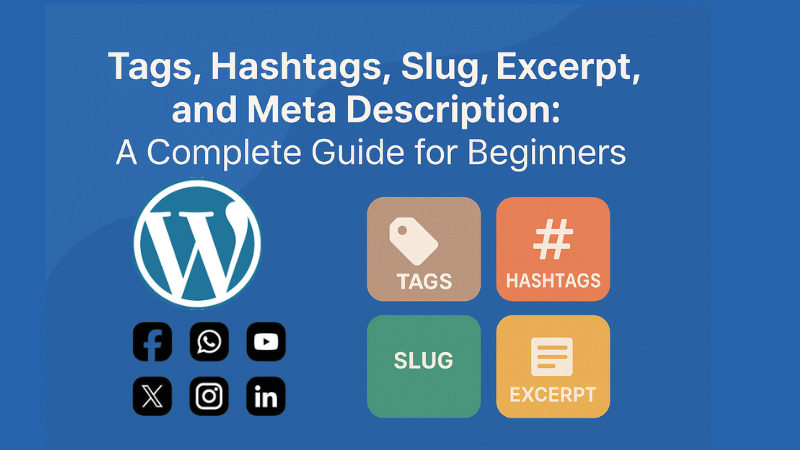
Confused about tags, hashtags, slug, excerpt, and meta description? This simple guide explains them all with tips to grow your blog or website.
-
✅ ShiftTips #064: Use Focus Assist/Do Not Disturb
Avoid distractions by turning on Focus Assist (Windows) or Do Not Disturb (Mac). Keep your workflow clean and uninterrupted.



Popular Posts

10 Common Tech Beginner Mistakes: Everyone Should Know
Whether you’re a student, a working professional, or someone learning tech…

10 Pro Tricks on WhatsApp Text Formatting You Must Use
Whether you’re chatting with friends or sharing important messages in groups…