
Want to focus without browser tabs or distractions?
✅ Press F11 to enter or exit full-screen mode
This hides all toolbars and gives you an immersive view.
Works great for:
- YouTube
- Presentations
- Reading articles
Escape distraction — try it today!
#FullScreenFocus #CleanView #ShiftTips
You May Read This
-
ShiftTips #026: Search Within a Webpage
Ctrl + F is a keyboard shortcut that opens the search bar in browsers or applications, highlighting all matching text instantly as you type your query.
-
🔹 ShiftTips #001: Reopen Closed Browser Tab Instantly
Ctrl + Shift + T (or Cmd + Shift + T on Mac) reopens the last closed browser tab instantly, restoring its content and history for seamless browsing recovery.
-
✅ ShiftTips #056: Cycle Through Notification Toasts
Skim through notifications using just your keyboard.

Popular Posts

10 Proven Methods To Speed Up Slow Windows PC
Is your Windows PC getting slower day by day? Do programs take forever to open, startup feels like a decade, and even typing lags?
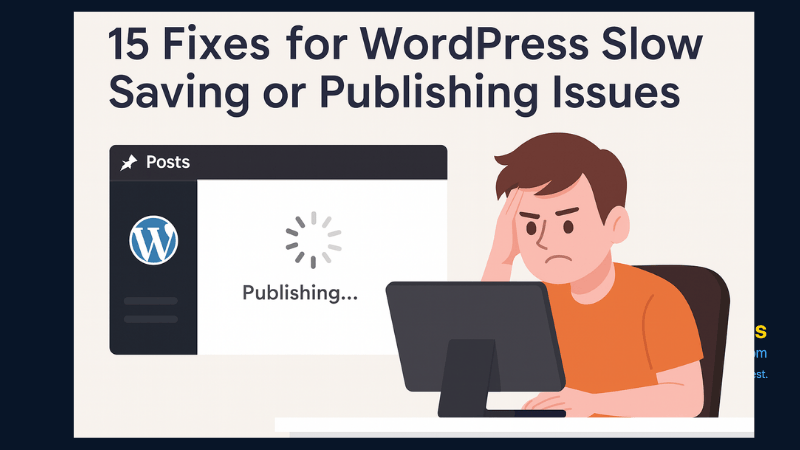
15 Expert Reasons & Fixes for Why WordPress Is Slow While Saving or Publishing Posts
In today’s digital world, your smartphone is not just a communication device—it’s your wallet, identity card, camera, and personal diary.
