
Ever pasted content with weird fonts, links, or colors? Avoid it with this shortcut.
✅ Press Ctrl + Shift + V to paste plain text (without formatting).
It works in most browsers, Google Docs, Notion, and messaging apps.
Great for clean pasting into emails, blogs, or code editors.
No more fixing fonts or removing hyperlinks after pasting.
Try it now — it’s a time-saver you’ll love!
#PastePlainText #NoFormatting #ShiftTips
You May Read This
-
4 Most Popular 2FA (Two-Factor Authenticator) | A Simple Guide for Beginners
You’ve probably seen the term “2FA” pop up when logging into websites or apps. But what is it exactly, and […]
-
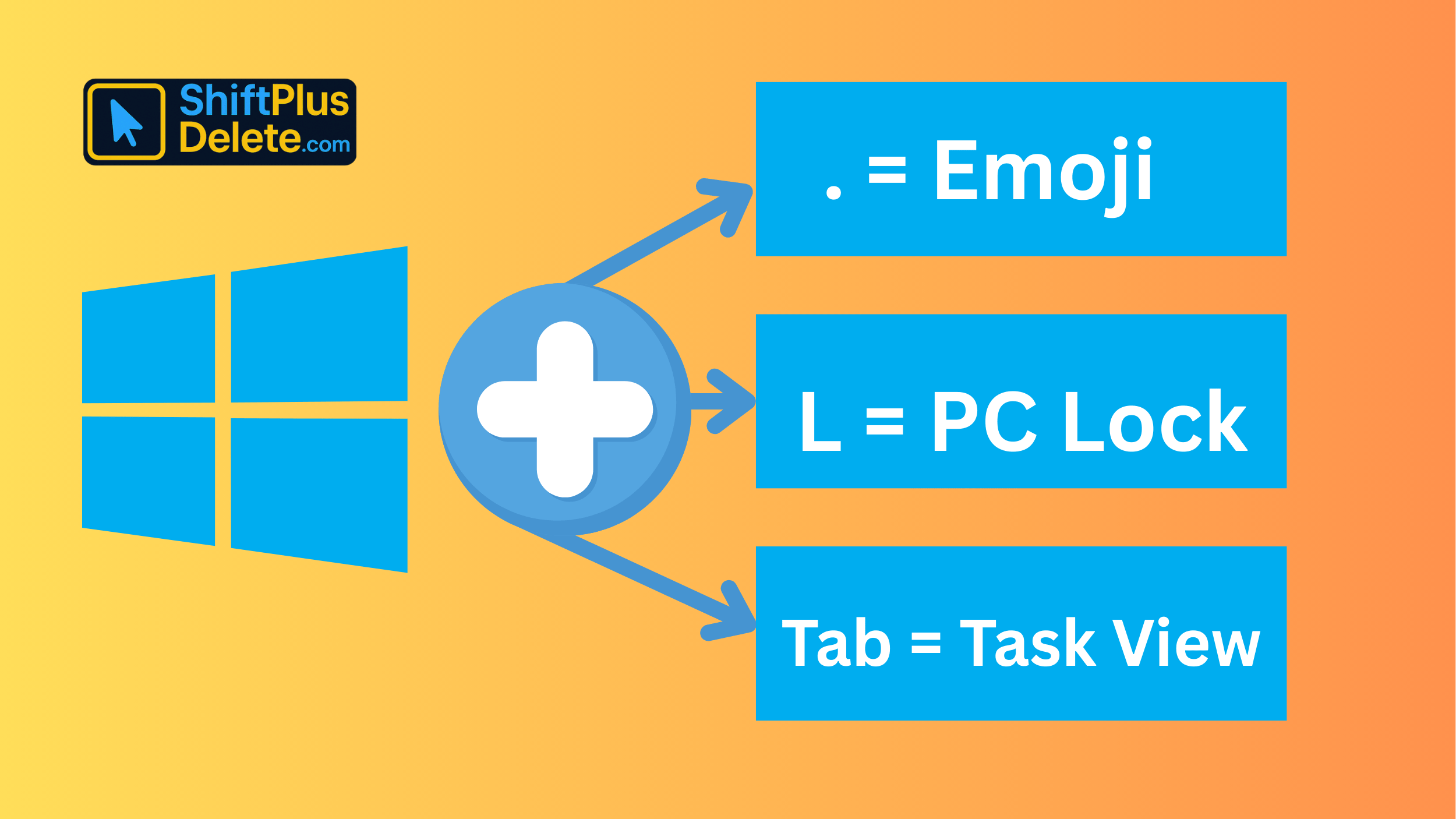
15 Powerful Hidden Windows Shortcuts You Should Know
Whether you’re a casual user or a productivity enthusiast, mastering keyboard shortcuts is a game-changer. While most people know the […]
-
Top 7 Free AI Tools That Are Actually Useful in 2025
AI is no longer a buzzword—it’s now in your browser, your apps, and your daily workflow. But not every “AI […]
-
What Does Shift+Delete (ShiftPlusDelete) Do? 3 Powerful Tricks to Know
You may already know that pressing the Delete key moves files to the Recycle Bin. But what happens when you press Shift + Delete instead?
-
10 Pro Tricks on WhatsApp Text Formatting You Must Use
Whether you’re chatting with friends or sharing important messages in groups, knowing how to format text on WhatsApp can make […]
-
10 Common Tech Beginner Mistakes: Everyone Should Know
In today’s digital age, everyone interacts with technology daily. Whether you’re a student, a working professional, or someone learning tech […]




Popular Posts

10 Must-Have Security Settings for Smartphone
In today’s digital world, your smartphone is not just a communication device—it’s your wallet, identity card, camera, and personal diary.
15 Expert Reasons & Fixes for Why WordPress Is Slow While Saving or Publishing Posts
In today’s digital world, your smartphone is not just a communication device—it’s your wallet, identity card, camera, and personal diary.

