

✅ Press Win + R to open the Run Dialog.
Type shortcuts like cmd, msconfig, or website URLs.
A must-use power-user tool for quick access to hidden features.
Try it now — launch like a pro!
#RunCommands #WindowsPowerTips #ShiftTips
You May Read This
-
✅ ShiftTips #061: Boost Your Flow Master Alt+Tab Like a Ninja
Jump between apps like a ninja — no mouse needed.
-
ShiftTips #006: Take a Quick Screenshot of Windows Selected Area
It allows you to capture a portion of your screen, a specific window, or the entire screen, and copy the screenshot
-
✅ ShiftTips #047: Mute Your System Audio Fast
Silence everything with one key.
-
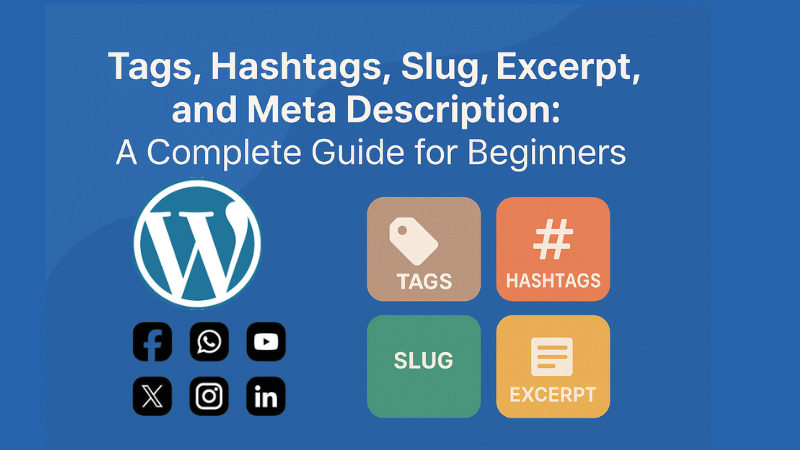
Confused about tags, hashtags, slug, excerpt, and meta description? This simple guide explains them all with tips to grow your blog or website.
-
✅ ShiftTips #042: Access Windows Clipboard Sync Settings
Sync your copied text across devices by enabling clipboard sync.
-
ShiftTips #033: Invert Colors on Windows
Ctrl + Win + C in Windows toggles color inversion, an accessibility feature that inverts screen colors to improve visibility for users with visual impairments.

Popular Posts

10 Common Tech Beginner Mistakes: Everyone Should Know
Whether you’re a student, a working professional, or someone learning tech…

10 Pro Tricks on WhatsApp Text Formatting You Must Use
Whether you’re chatting with friends or sharing important messages in groups…

