

Here’s How to Lock Windows PC Quickly
Stepping away from your desk? Don’t leave your PC open!
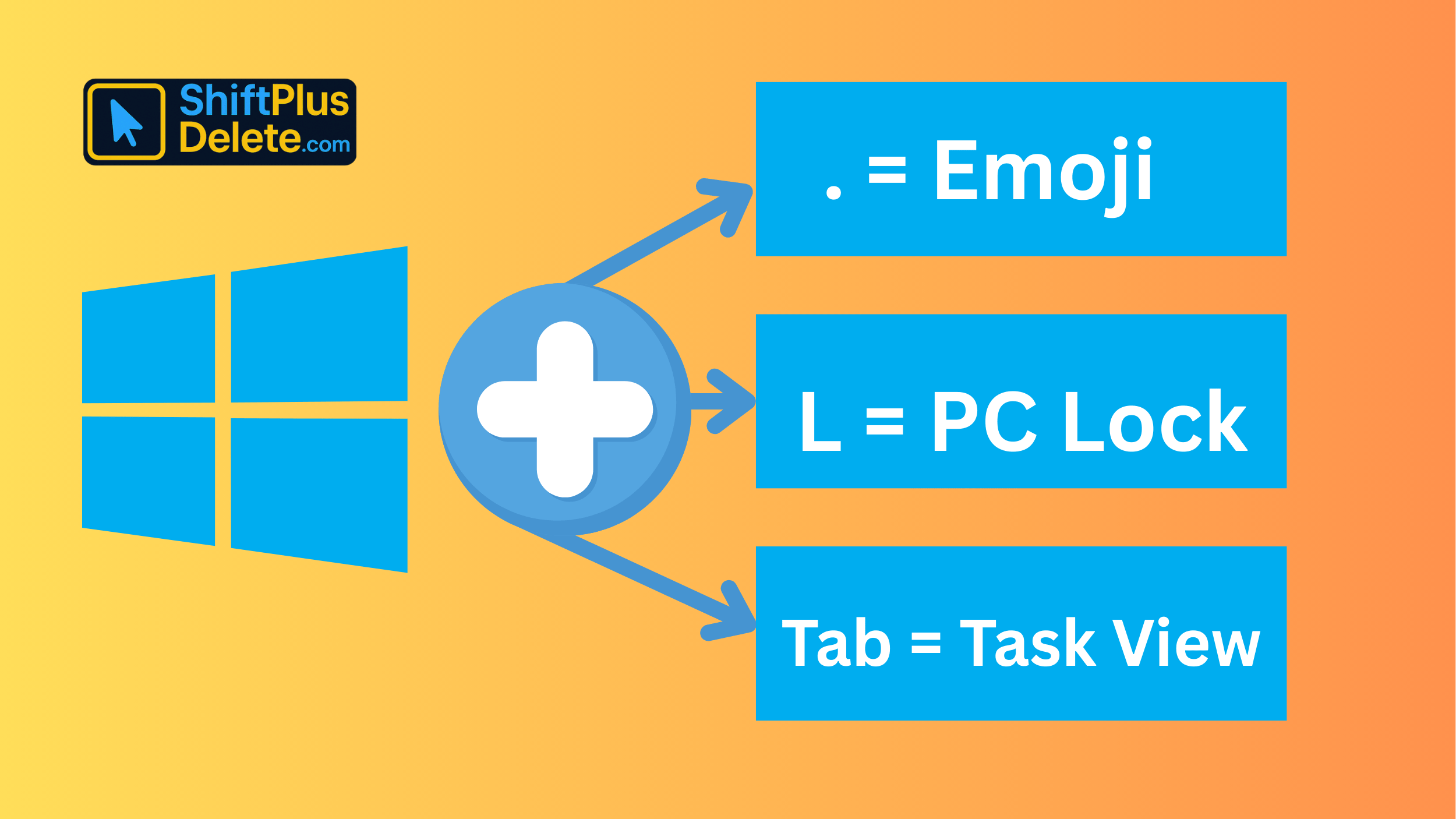
✅ Press Win + L to lock your computer immediately.
It sends your session to the lock screen with all apps running safely.
It’s the fastest way to protect your files from nosy coworkers or roommates.
💼 Works on desktops, laptops, tablets — all Windows devices.
Make it a habit to lock your screen before every break.
✅ Smart, fast, and private. Just one key combo!
Try it once and you’ll never forget.
📌 Why it matters: Essential for privacy and security when stepping away from your desk.
#TechTips #ShiftTips #Productivity #ShiftPlusDelete #WindowsTips #PrivacyTips #WindowsShortcuts
You May Read This:
-
✅ ShiftTips #054: Open Programs as Admin via Search
Open apps with admin privileges without right-clicking.
-
ShiftTips #026: Search Within a Webpage
Ctrl + F is a keyboard shortcut that opens the search bar in browsers or applications, highlighting all matching text instantly as you type your query.
-
ShiftTips #018: Open Action Center in Windows 10
Win + A is a Windows keyboard shortcut that opens the Action Center, providing quick access to notifications and customizable settings for efficient system control.
-
ShiftTips #005: Mute Unmute Mic in Zoom or Teams
Learn How to Mute Unmute Mic in Zoom or Teams Embarrassed by background noise during calls? Mute yourself instantly!✅ On […]
-
15 Powerful Hidden Windows Shortcuts You Should Know
Whether you’re a casual user or a productivity enthusiast, mastering keyboard shortcuts is a game-changer. While most people know the […]
-
What Does Shift+Delete (ShiftPlusDelete) Do? 3 Powerful Tricks to Know
You may already know that pressing the Delete key moves files to the Recycle Bin. But what happens when you press Shift + Delete instead?

Why Your Phone Is So Slow & How to Fix It in 5 Minutes
Is your phone lagging, freezing, or taking forever to load apps? A slow smartphone can be frustrating, but the good
How to Know If Your Password Was Leaked Online
Worried your password was leaked? In this article you will learn how to know if your password was leaked online.

