

Still right-clicking to make folders? Stop that!
✅ Press Ctrl + Shift + N to create a new folder instantly
Works in File Explorer, desktop, or inside any folder.
Name it, hit Enter, done — all in seconds.
Organize smarter, not harder.
Try it next time you sort files!
#FolderTips #FileManagement #ShiftTips
You May Read This
-
ShiftTips #021: Paste Without Formatting
Ctrl + Shift + V is a keyboard shortcut that pastes text without formatting, ensuring clean integration into documents or text fields across various applications.
-
ShiftTips #005: Mute Unmute Mic in Zoom or Teams
Learn How to Mute Unmute Mic in Zoom or Teams Embarrassed by background noise during calls? Mute yourself instantly!✅ On […]
-
10 Common Tech Beginner Mistakes: Everyone Should Know
In today’s digital age, everyone interacts with technology daily. Whether you’re a student, a working professional, or someone learning tech […]
-
ShiftTips #040: Refresh a Webpage the Standard Way
Quickly refresh any webpage by pressing F5—it reloads the latest content while keeping cached data intact. Perfect for fast updates without a full reset!
-
✅ ShiftTips #043: Launch File Properties Instantly
View or edit file properties with a single keypress.
-
✅ ShiftTips #048: Toggle Taskbar Peek Feature
Instantly peek at the desktop without minimizing windows.




Popular Posts

10 Proven Methods To Speed Up Slow Windows PC
Is your Windows PC getting slower day by day? Do programs take forever to open, startup feels like a decade, and even typing lags?
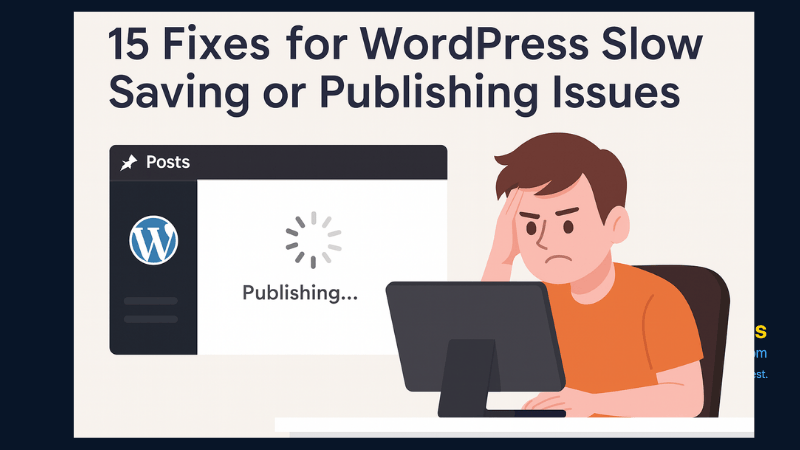
15 Expert Reasons & Fixes for Why WordPress Is Slow While Saving or Publishing Posts
In today’s digital world, your smartphone is not just a communication device—it’s your wallet, identity card, camera, and personal diary.

