

Need to manage what Windows stores in your clipboard?
✅ Press Win + V, then click “Manage Clipboard Settings”
From there, you can:
- Enable/disable history
- Clear saved data
- Sync clipboard across devices
Take full control of what you copy!
Try it and clean up your clipboard today.
#ClipboardControl #WindowsHacks #ShiftTips
You May Read This
-
ShiftTips #028: Duplicate Line in VS Code
Shift + Alt + Down (or Up) in VS Code duplicates the current line or selection downward or upward, streamlining code editing and boosting productivity.
-
✅ ShiftTips #054: Open Programs as Admin via Search
Open apps with admin privileges without right-clicking.
-
✅ ShiftTips #044: Jump to Address Bar in File Explorer
Navigate folders fast by jumping to the address bar.
-
ShiftTips #006: Take a Quick Screenshot of Windows Selected Area
It allows you to capture a portion of your screen, a specific window, or the entire screen, and copy the screenshot
-
ShiftTips #036: Open Quick Assist in Windows
Win + Ctrl + Q opens Quick Assist in Windows, enabling fast remote assistance or screen sharing to help troubleshoot issues or collaborate seamlessly.
-
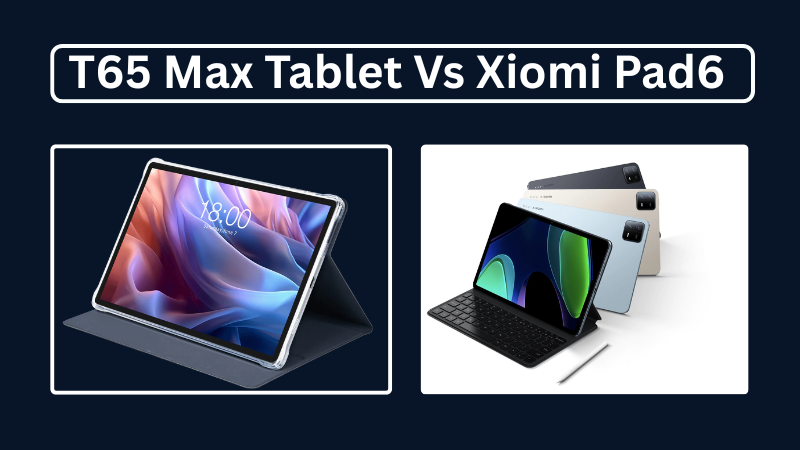
Teclast T65Max vs Xiaomi Pad 6: Which is Better in 2025?
A complete 2025 comparison of Teclast T65Max and Xiaomi Pad 6 tablets—covering specs, performance, pros and cons, and which is better for blogging, gaming, or productivity.





Popular Posts

10 Proven Methods To Speed Up Slow Windows PC
Is your Windows PC getting slower day by day? Do programs take forever to open, startup feels like a decade, and even typing lags?
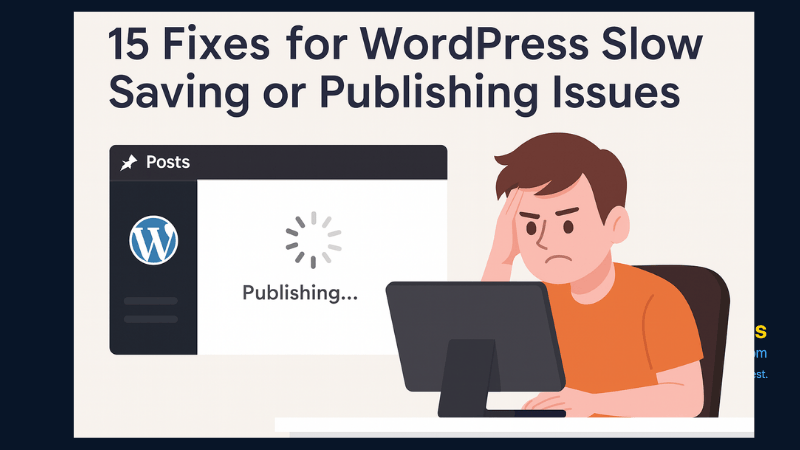
15 Expert Reasons & Fixes for Why WordPress Is Slow While Saving or Publishing Posts
In today’s digital world, your smartphone is not just a communication device—it’s your wallet, identity card, camera, and personal diary.

