
✅ Press Ctrl + L in Chrome, Firefox, or Edge
It highlights the browser’s address bar — ready for typing, searching, or copying the link.
Great for quickly pasting URLs or starting a new Google search.
It’s simple but super useful!
#BrowserNavigation #ProductivityTips #ShiftTips
You May Read This
-
4 Most Popular 2FA (Two-Factor Authenticator) | A Simple Guide for Beginners
You’ve probably seen the term “2FA” pop up when logging into websites or apps. But what is it exactly, and […]
-
ShiftTips #030: Take Screenshot on Mac
Cmd + Shift + 4 on macOS lets you take a partial screenshot by dragging to select an area, saving it to your desktop for quick sharing or editing.
-
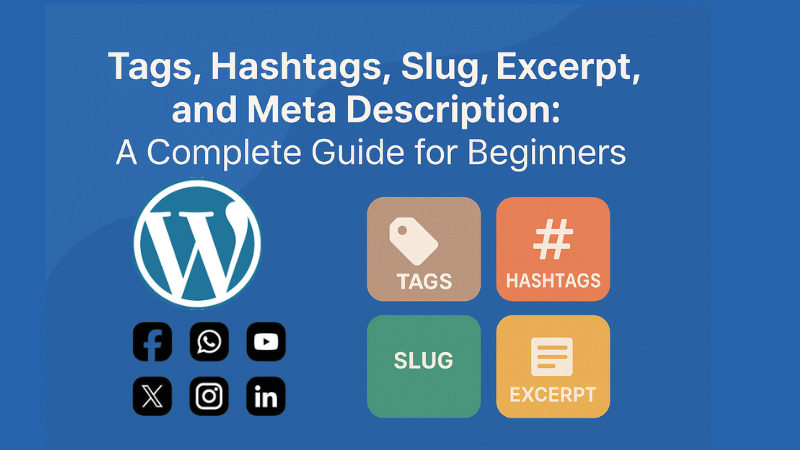
Confused about tags, hashtags, slug, excerpt, and meta description? This simple guide explains them all with tips to grow your blog or website.
-
ShiftTips #034: Open the Magnifier Tool
Press Win + Plus (+) to open Magnifier
Zoom in on text, buttons, or design elements. -
ShiftTips #040: Refresh a Webpage the Standard Way
Quickly refresh any webpage by pressing F5—it reloads the latest content while keeping cached data intact. Perfect for fast updates without a full reset!
-
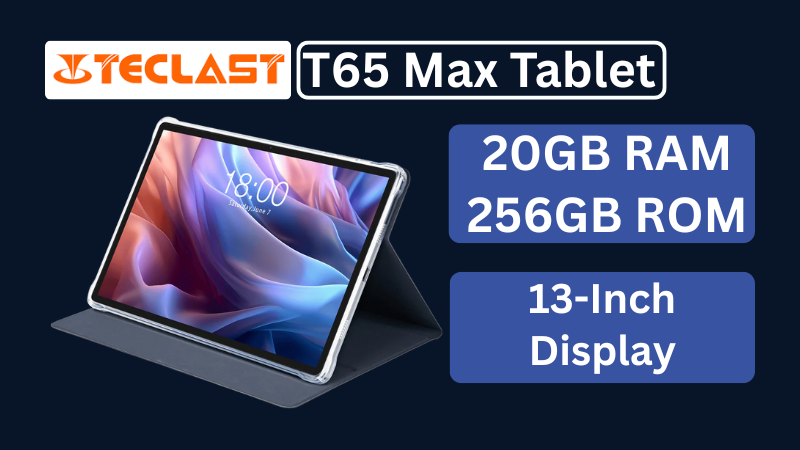
Teclast T65Max Tablet Review: A Feature-Rich 13-Inch Android Tablet on a Budget
The Teclast T65Max is a 13-inch Android tablet packed with features like 4G LTE, Helio G99 processor, Android 14, and a massive 10,000mAh battery — perfect for content creators and on-the-go users in 2025.


Popular Posts

10 Common Tech Beginner Mistakes: Everyone Should Know
Whether you’re a student, a working professional, or someone learning tech…

10 Pro Tricks on WhatsApp Text Formatting You Must Use
Whether you’re chatting with friends or sharing important messages in groups…

