
✅ Stop wasting clicks.
With Alt+Tab (Windows) or Command+Tab (Mac), you can fly between apps instantly.
It’s like teleportation for your productivity.
#KeyboardShortcuts #ProductivityHacks #WindowsMac
You May Read This
-
✅ ShiftTips #064: Use Focus Assist/Do Not Disturb
Avoid distractions by turning on Focus Assist (Windows) or Do Not Disturb (Mac). Keep your workflow clean and uninterrupted.
-
What is RAM and Why it Matters: 10 Must-Known Facts
If your laptop or desktop starts lagging every time you open multiple tabs or apps, you might be facing a […]
-
🔹 ShiftTips #002: Use Clipboard History in Windows
Win + V opens the clipboard history in Windows 10 and 11, letting you access and paste up to 25 previously copied items like text or images from hours earlier.
-
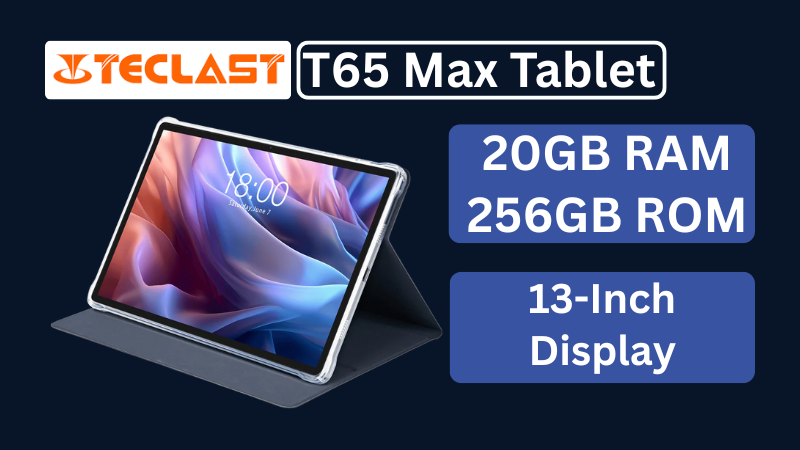
Teclast T65Max Tablet Review: A Feature-Rich 13-Inch Android Tablet on a Budget
The Teclast T65Max is a 13-inch Android tablet packed with features like 4G LTE, Helio G99 processor, Android 14, and a massive 10,000mAh battery — perfect for content creators and on-the-go users in 2025.
-
✅ ShiftTips #049: Use Voice Typing in Windows
Tired of typing? Let your voice do the work.



Popular Posts
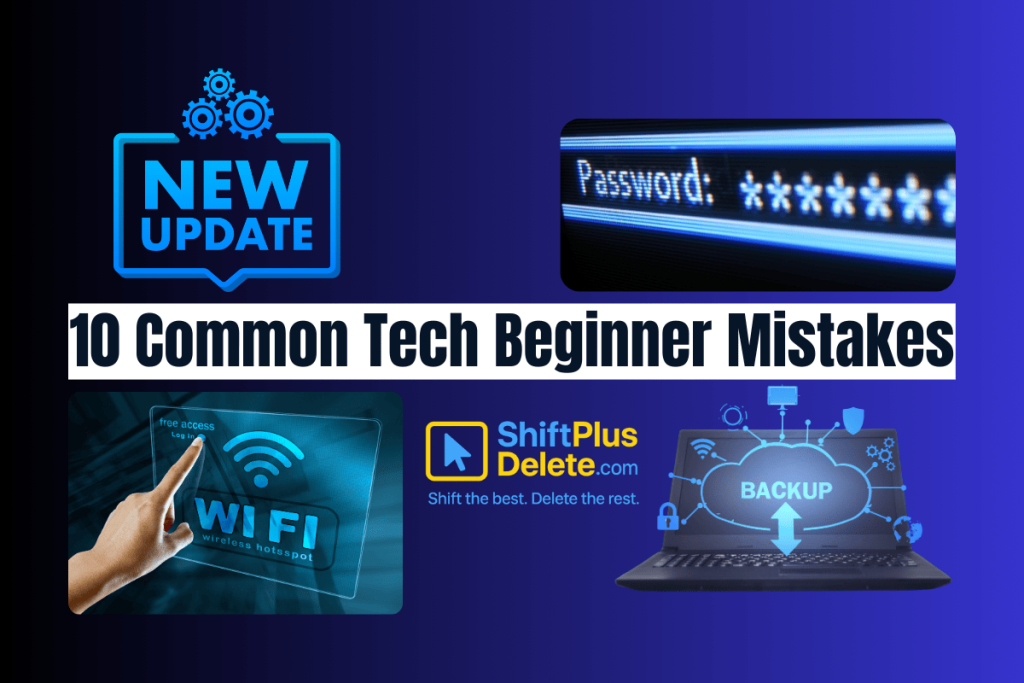
10 Common Tech Beginner Mistakes: Everyone Should Know
Whether you’re a student, a working professional, or someone learning tech…

10 Pro Tricks on WhatsApp Text Formatting You Must Use
Whether you’re chatting with friends or sharing important messages in groups…